What Document Formats Can AI Actually Read and Extract From?
What Document Formats Can AI Actually Read and Extract From?
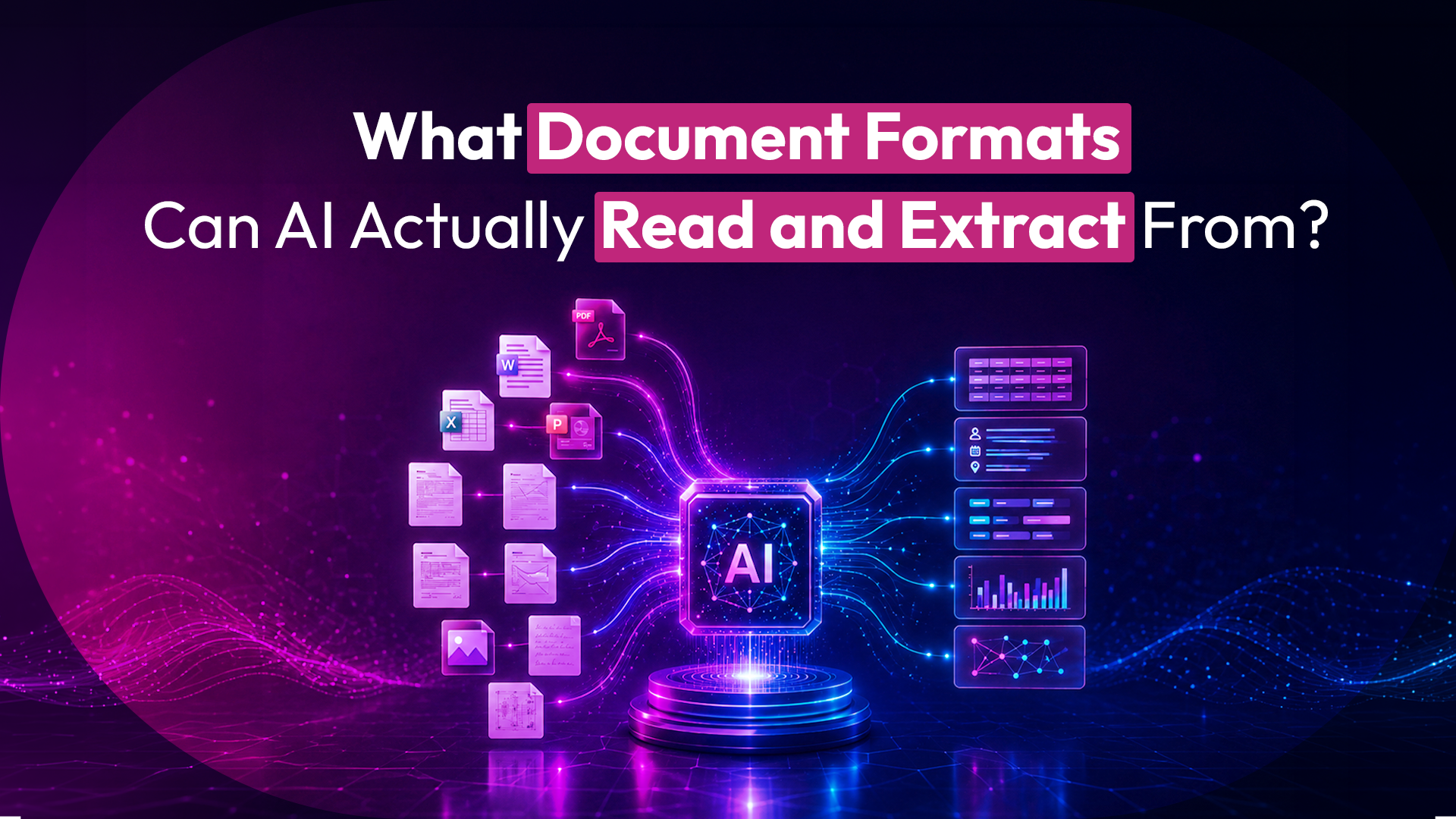
Modern document AI reads PDFs, Word files (DOCX), PowerPoint (PPT), spreadsheets, scanned images, and audio recordings. SentiDocs handles all six, extracting structured data from each at 99.2% accuracy — so teams can query contracts, invoices, filings, and call recordings without manual retyping or reformatting.
"Can your AI read this file?" is the first question every operations team asks, and the answer separates a real document platform from a glorified chatbot. Most tools handle clean PDFs and stop there. Real work doesn't arrive that tidy.
A single tender package might include a PDF RFP, a DOCX response template, an Excel pricing sheet, a scanned signature page, and a recorded pre-bid briefing. If your AI only reads one of those, the rest stays trapped — and someone retypes it by hand. Here's what each format requires, and what "extract" actually means.
The six formats that cover real-world documents
PDF — native and scanned. PDFs come in two kinds. Native PDFs have selectable text and are straightforward to parse. Scanned PDFs are just images of pages, with no text underneath — these need OCR (optical character recognition) to convert pixels into readable, searchable content. SentiDocs handles both, so a scanned 20-year-old contract is as usable as one exported yesterday.
DOCX — Word documents. The working format of most contracts, policies, and reports. AI reads the text, structure, headings, and tables, preserving the relationships between sections rather than flattening everything into one block.
PPT — presentations. Slide decks hold a surprising amount of decision-relevant content: pricing, timelines, scope. AI extracts text from each slide along with its position in the deck's flow.
Spreadsheets. Excel and CSV files carry structured data — line items, financials, inventories. AI reads rows, columns, and the relationships between them, so a pricing schedule stays a pricing schedule instead of a wall of disconnected numbers.
Images. Photos and scans of documents — a signed page, a whiteboard, an ID. Intelligent document processing (IDP) applies OCR plus layout understanding to pull text and fields out of the picture.
Audio. The format most tools ignore. Recorded calls, meetings, and pre-bid briefings contain commitments and requirements that never make it into a written document. SentiDocs transcribes audio and extracts the same structured information it would from text.
"Read" and "extract" are not the same thing
This distinction matters, because plenty of tools can *display* a document without being able to *extract* from it.
Reading means the AI can open the file and access its content. Extraction means it can pull specific, structured fields — names, dates, amounts, clauses, obligations — and hand them to you as data you can act on or push into another system.
That capability has a name: intelligent document processing, or IDP. It combines OCR (for images and scans), natural-language understanding (for meaning), and layout analysis (for structure) so the AI knows that a number in the top-right corner is an invoice total, not a phone number. Extraction is what turns a document from something you read into something your systems can use.
Format coverage at a glance
| Format | What it contains | How AI handles it |
|---|---|---|
| Native PDF | Contracts, reports, filings | Direct text parsing |
| Scanned PDF / image | Signed pages, old records | OCR + layout analysis (IDP) |
| DOCX | Contracts, policies, templates | Text, tables, structure preserved |
| PPT | Pricing, scope, timelines | Per-slide text extraction |
| Spreadsheet | Financials, line items, inventory | Row/column structure preserved |
| Audio | Calls, briefings, meetings | Transcription + field extraction |
Accuracy is the part that counts
Reading every format is table stakes. Reading them *correctly* is the differentiator. An extraction that's 80% accurate isn't a time-saver — it's a proofreading task in disguise, because you have to check everything anyway.
SentiDocs runs multi-stage validation, where each extracted data point is verified rather than accepted on a single pass. That pushes accuracy to 99.2%, which is the threshold where teams can actually move straight to decision-making instead of re-checking the machine's work.
A note on what happens to your files
Format coverage is only useful if you can feed it sensitive documents safely. SentiDocs isolates data per organization and never uses it to train global models. On-premise and local cloud deployment keep files within your environment, and every interaction is logged in an encrypted audit trail, with SOC 2 and ISO 27001 alignment on the roadmap.
FAQ
Can AI read scanned documents and images, not just digital files? Yes. SentiDocs uses OCR within an intelligent document processing pipeline to read scanned PDFs and images — extracting text and structured fields from a photographed or scanned page as if it were a native file.
Can AI extract data from audio recordings? Yes. SentiDocs transcribes audio — calls, meetings, pre-bid briefings — and extracts the same structured information it pulls from text documents. Most document tools skip audio entirely.
What's the difference between reading and extracting a document? Reading means the AI can access the file's content. Extracting means it can pull specific structured fields — dates, amounts, clauses — as usable data. Extraction (intelligent document processing) is what lets the output flow into your other systems.
How accurate is the extracted data? SentiDocs reaches 99.2% accuracy through multi-stage validation, where each data point is verified rather than taken on a single pass — accurate enough to act on without re-checking every field.
---
Send SentiDocs your messiest mixed-format file and see what it extracts. [hello@sentiligent.ai]